Career Advice
Virtual Interview Tips
Virtual interviews aren't casual. Your camera angle, lighting, and background all start the conversation before you say a word. Here's the setup checklist, pre-interview routine, and FAQ we share with top candidates at CGP.
- Published
- Read time
- 7 min read

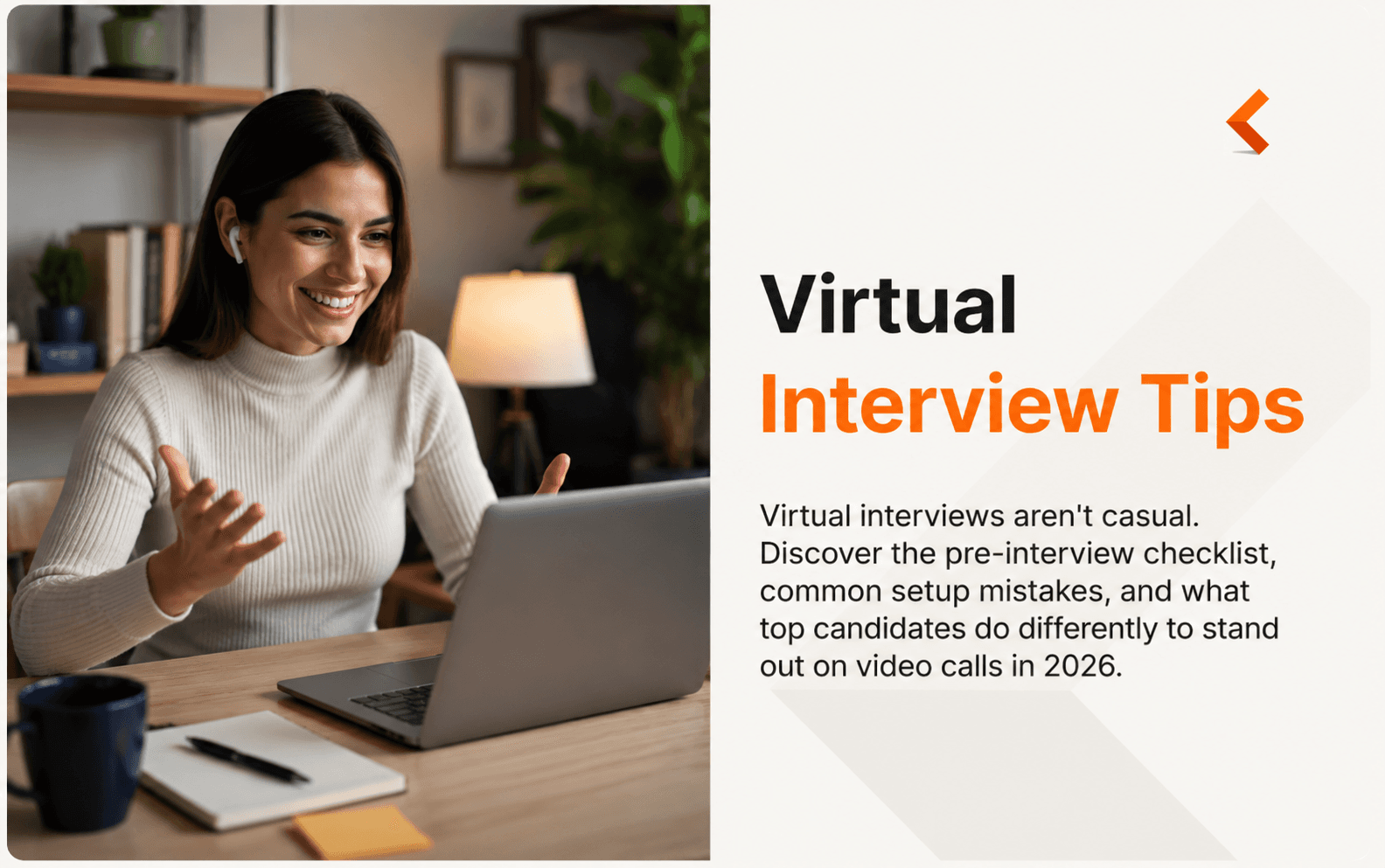
Virtual interviews are no longer a temporary solution. They're a core part of how companies evaluate talent in 2026.
But here's what most candidates miss: your environment starts the interview before you say a word. Camera angle, lighting, audio, framing (Google Meet or Zoom) compresses everything, and the interviewer forms a first impression in the first three seconds.
Below is the setup checklist, pre-interview routine, and FAQ we share with candidates at CGP Group. It's the difference between a candidate who's "prepared" and one who's remembered.
Your setup is your first impression
Before you even say a word, the interviewer is already forming an opinion.
- Your camera angle
- Your lighting
- Your background
- Your framing
- Your audio quality
These aren't technical details. They're signals. Signals of preparation. Signals of professionalism. Signals of how seriously you're taking the opportunity.
The good news: you can control every one of them with 30 minutes of prep and less than $100 in gear (most of it you already have).
The Pre-Interview Setup Checklist
Print this. Tape it next to your monitor. Run through it before every interview.
1. Camera at eye level
Your webcam should meet your eyes, not point up at your ceiling. Looking down at your laptop makes you appear disengaged and adds a double chin the camera loves.
Fix in 60 seconds:
- Stack books under your laptop until the camera is level with your eyes
- Or use a $20 laptop stand
- Or plug in an external webcam mounted on top of your monitor
Test: Sit as you would during the call, look at the camera and you should feel like you're making eye contact with a person across a desk.
2. Lighting: face a window (or fake one)
Poor lighting is the #1 giveaway of an unprepared candidate. Backlit candidates become silhouettes, and shadowy candidates look tired.
Options ranked by cost:
- Free: Face a window during daytime. Never sit with a window behind you.
- $15–30: A ring light or a cheap LED panel on your desk
- $50–80: A key light like Elgato Key Light Air (works with any laptop)
Rule: the brightest light source should be in front of you, slightly above eye level.
3. Audio: skip the laptop mic
Your laptop microphone is picking up your keyboard, your fan, and the echo of your room. It's the fastest way to sound unprofessional.
Fix:
- Use wired earbuds with a mic (the ones that came with your phone are fine)
- Or use AirPods/Bluetooth headphones
- Avoid Bluetooth headphones with low battery
Test: Record 30 seconds on your phone using the same setup, listen back. If it sounds clear and warm, you're good.
4. Background: intentional, not accidental
Bookshelves, plants, and clean walls all work. What doesn't work: unmade beds, cluttered desks, family members walking through the frame, or dishes stacked in a sink.
Rules:
- Keep it clean and static
- Physical background > virtual background (virtual backgrounds glitch and distract)
- If you must use a virtual background, use one you'd hang in a real office
5. Connection: ethernet beats WiFi
Every glitch, freeze, or "sorry can you hear me?" is a strike against your candidacy, even if it's not your fault.
Test with speedtest.net:
- Minimum for smooth video: 10 Mbps upload
- If you're below that, plug into your router with an ethernet cable
- No ethernet port? A $15 USB-C-to-ethernet adapter solves it
Backup: have your phone charged and ready as a hotspot in case WiFi drops.
The 15-Minute Pre-Interview Routine
Top candidates don't wing it. They follow a routine.
T-15 minutes
- Test camera, mic, and screen share in Zoom's test page or Google Meet's preview
- Restart your laptop if it hasn't been rebooted today
- Close every app you don't need — Slack, Spotify, email, browser tabs
T-10 minutes
- Silence phone notifications (Do Not Disturb ON)
- Close the door if others are home
- Put water within arm's reach
T-5 minutes
- Check your appearance in your camera preview
- Skim your notes one last time — don't memorize, just orient
- Do a 2-minute walk to shake nerves
T-2 minutes
- Sit down, take three slow breaths
- Have the job description open in a tab you can glance at
- Have your resume open, just as a mental anchor
T-0
- Join two minutes early, camera on, muted until the interviewer joins
- Smile when they arrive. Say their name.
The most common mistakes we see
After coordinating thousands of virtual interviews across our client base, a few patterns show up again and again:
1. Camera not at eye level. Fixable in 30 seconds. Fix it.
2. Reading answers from notes. The interviewer can see your eyes tracking left-to-right. Use bullet points, not scripts.
3. Talking too fast. Video compresses audio and shortens attention spans. Slow down 15%.
4. Not accounting for lag. Wait a full second before responding — you'll cut over the interviewer less.
5. Weak closing. Great candidates prep 2-3 specific questions about the role, team, or company. Not "what's the culture like."
6. No follow-up. Send a thank-you email within 24 hours. Reference something specific from the conversation. Skip generic templates.
What top candidates do differently
We've observed a pattern across our top-placed candidates in 2026:
- They rehearse out loud. Camera on. Full mock interview at least once.
- They have a "one-liner" story ready for the most common questions (tell me about yourself, why us, why now).
- They anchor answers with numbers. Not "I led a team" — "I led a team of 12 across three regions and delivered X in six months."
- They ask about the interviewer. "How long have you been at [company]? What's kept you here?" Interviewers remember candidates who make it a conversation, not an interrogation.
FAQ
Should I use a virtual background?
Only if you don't have a clean physical option. Virtual backgrounds glitch when you move, cut off your ears, and signal "I couldn't find a real space." A blurred physical background is better than a virtual one in almost every case.
What if my WiFi cuts out mid-interview?
Acknowledge it briefly and move on. "Sorry, connection dropped for a moment — you were saying?" Don't over-apologize. Have your phone hotspot ready as backup.
Is it okay to look at my notes during a virtual interview?
Yes, but do it strategically. Print notes and place them next to (not below) your camera so your eye movement stays natural. Never read verbatim.
How do I stand out in a virtual interview?
Preparation on the details: perfect setup, sharp answers, and specific questions about the role and interviewer. The candidates who stand out have all done the invisible work.
Should I stand or sit?
Sit. Standing changes your framing, exposes movement, and increases the risk of pacing (a nervous tell). Sit in a stable chair, feet flat on the floor.
What should I wear?
Dress one notch above what the company expects on a normal workday. If they wear jeans, wear a collared shirt. If they wear suits, wear a suit. The camera flattens color — solid, mid-tone colors read best on video.
How early should I join the call?
Two minutes early. Not earlier (you might catch the interviewer setting up), not later (looks careless). Camera on, muted, ready when they arrive.
What if I'm interviewing for a role in a different time zone?
Confirm the time zone in the calendar invite. Set a phone alarm for 30 minutes before, not on the dot. Have your virtual clock visible.
Let's build something together
Virtual interview skills matter more than ever — for candidates and for the companies hiring them.
Preparing for interviews as a candidate? Explore more in our Career Advice section — including in-person interview tips, AI tools for interview prep, and what makes a great recruiting expert.
Building a remote hiring process at your company? Our team combines Keystone AI-powered screening with human interview coordination across 20+ countries. Learn how it works or book a consultation.


Your Global Workforce. Simplified.
Start a conversation to explore how Keystone AI's RaaS ecosystem fits your hiring needs. Whether you're scaling a startup or optimizing enterprise talent operations.